How far can Zoom, Notion, and a spreadsheet carry a usability test?
A usability testing spreadsheet template for the free Zoom + Notion stack: the setup that runs real sessions at no cost, and the three gaps where hours leak.
Published September 3, 2026
Your third session wrapped at two. The workday is nearly over, and you're still dragging the slider across a 52-minute Zoom recording, hunting for the exact moment Participant 2 typed a teammate's email into the search bar. You need it for tomorrow's report, and your note says only "typed email in search??". The sessions went fine. The evening is the problem.
The short answer: it holds for about three sessions
Zoom, Notion, and a spreadsheet can run a real usability test, and for an occasional round of about three sessions, say once a quarter, they are all you need. That scale has a pedigree: Steve Krug's Rocket Surgery Made Easy builds its whole do-it-yourself method on three participants, one morning a month. The templates below will carry you through a round like that without buying anything.
What the free stack cannot shed are three structural costs: notes and recordings stay disconnected, the manual cleanup repeats every session, and rounds are hard to compare. So the plan here is to set the stack up properly first, then mark the line where those costs outgrow it.
Give each tool one job
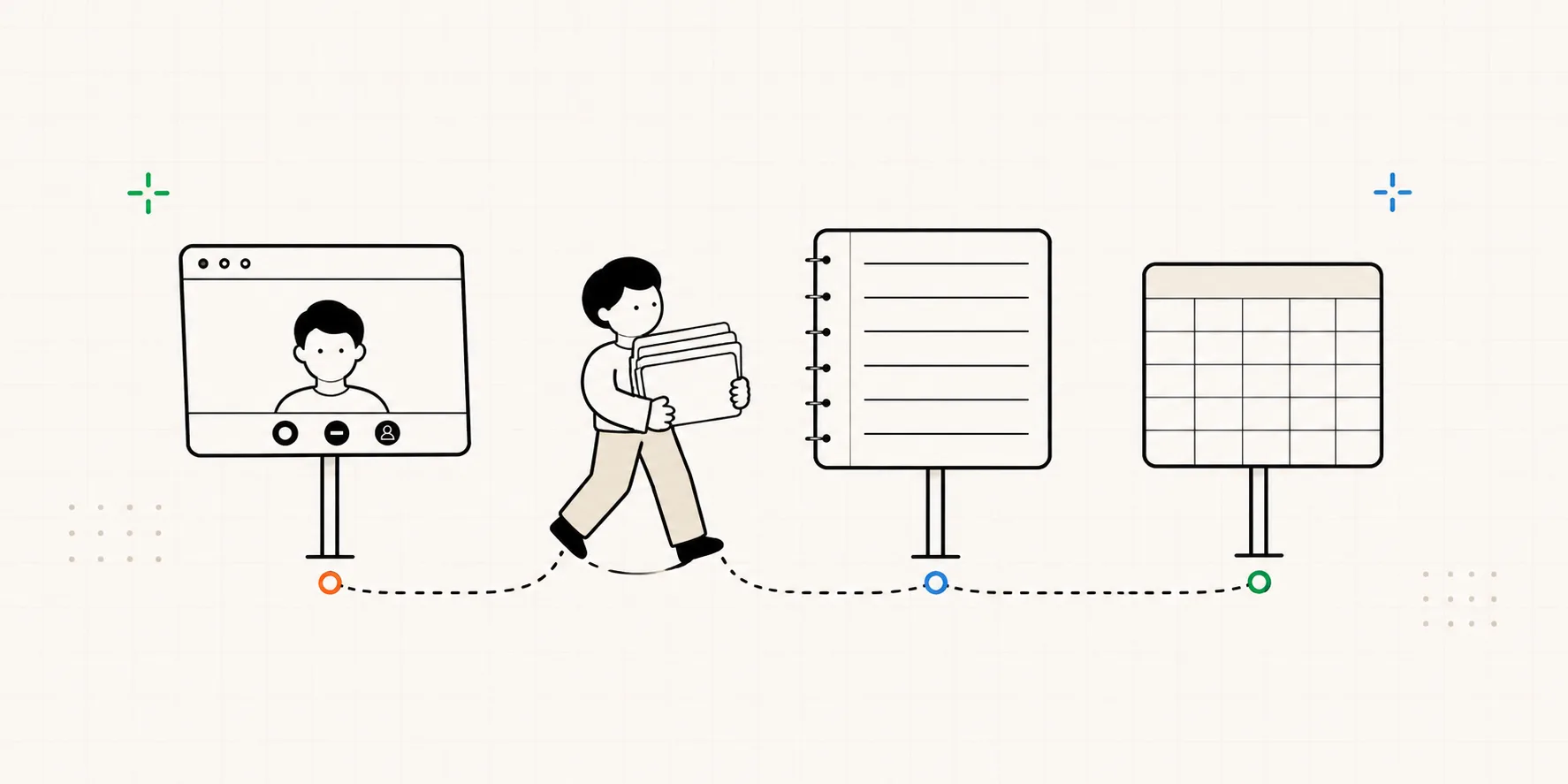
The combo breaks down when one tool tries to do everything, so split the work:
| Job | Tool | The one rule |
|---|---|---|
| Run the session | Zoom or Google Meet | Start a local recording before the participant joins |
| Take notes live | Notion or any doc | One observation per line, each with a time |
| Keep the evidence | The recording + its transcript | Name every file by participant and date |
| Tally and sort | Google Sheets or Excel | Notes get pasted in after the session, never during |
The odd one out is the doc in the middle. It's there because a spreadsheet is a bad place to type during a live session, so you write fast in the doc and move everything to the sheet after the call.
The usability testing spreadsheet template, and the note doc that feeds it
Two files cover the whole round. The note doc is what you write during the hour; the spreadsheet is where all sessions merge afterward and turn countable.
The session note doc
Everything downstream gets pasted out of this file, so its format decides how long your evening runs. Duplicate one per participant:
P2 · Jun 12 · hit Record at 14:02
Tasks: ① Invite a teammate ② Change the notification settings
[14:09] circled the main screen twice looking for an invite button #problem
[14:12] typed a teammate's email into the search bar, "I guess it's here?" #observation
[14:18] gave up on inviting, "I'll just Slack them a link" #problem
[14:31] found the notification page through settings in one go #observation
Three habits make the template work:
- One observation per line, each with a time. The header names the participant, so once a line lands in the sheet it keeps its who and when. That's what turns a note into evidence you can trace back and defend later.
- Write down the wall-clock time you hit Record. This line is the entire bridge between your notes and the recording. The note at [14:09] minus a 14:02 start puts the moment at 00:07 in the file, so you land on it within seconds. The subtraction is manual, and the clocks drift a little if a recording pauses and restarts, but it beats having no bridge at all. Keep this trick in mind; it comes back below.
- Tag as you type: #observation for what they did, #problem for where they struggled, #insight for the unexpected, #bug for the broken. Filtering on these later lets you cluster behavior without wading through opinions.
The spreadsheet: three tabs
- Notes. Columns: participant, time, note, tag. After each session, paste that participant's lines in, one row per note. A three-session round leaves sixty-odd rows here, which is when filtering by tag or participant starts to matter.
- Tasks. One row per task, one column per participant. Record how each attempt ended (done, done with help, failed) and the minutes it took. Success rates fall out of a COUNTIF.
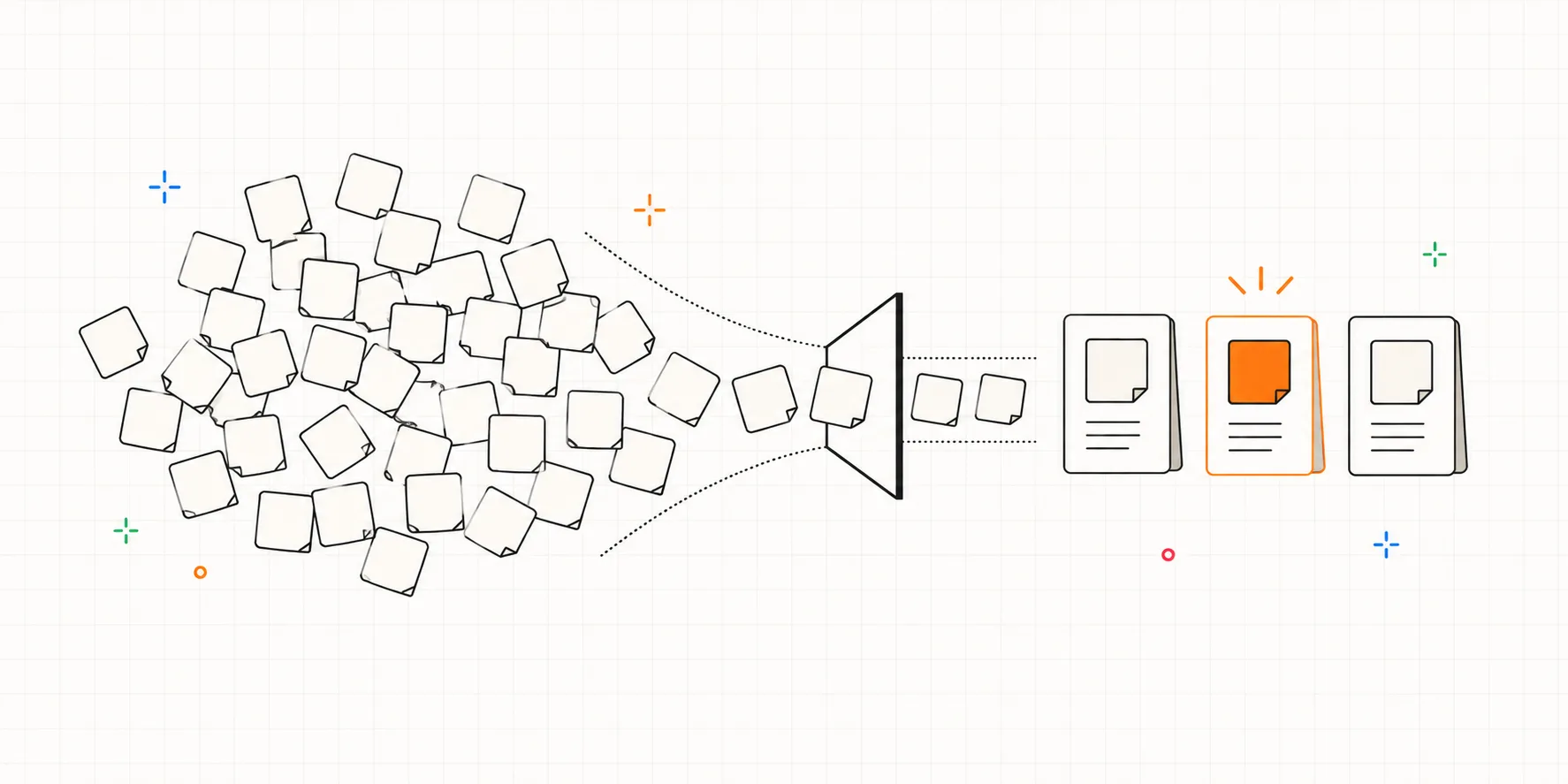
- Findings. Cluster name, severity, how many participants hit it. This tab stays empty until the round ends; the method for filling it, affinity mapping and Nielsen's severity scale, is covered in the results piece.
A test day, start to finish
- The day before: duplicate one note page per participant, paste in the task list, and run a one-minute recording test in the meeting room you'll use.
- Right before each session: open that participant's note page, hit Record, write the header line with the clock time.
- Right after each session, about 20 minutes: paste the notes into the Notes tab, fill in the Tasks column, rename the recording and transcript files.
- After the last session: cluster the Notes tab into the Findings tab and pick what to fix.
Krug's version of this day ends with the whole team debriefing over lunch. If colleagues watched the sessions, that hour is worth copying too.
The three gaps that never close
Run this setup for a few rounds and time starts leaking in the same three places. No template discipline removes them, because they sit between the tools rather than inside any one of them.
1. Notes and recordings stay two separate files. The header-time trick gets you close, at the cost of arithmetic on every lookup. Verifying one quote for a report means finding the right file, doing the subtraction, and scrubbing around the mark. Call it three or four minutes per lookup; a report that quotes ten moments costs most of an hour, and that's with the habits holding. The transcript helps you search what was said, though half of what you need is what happened on screen, and no transcript holds that.
2. The manual cleanup repeats every session, identically. Duplicating pages, re-typing task lists, pasting rows, renaming files, re-checking tallies. None of it is hard. All of it comes back next session, unchanged, and it lands in the hours after your most tiring day. A three-session round costs roughly an evening of it, every round.
3. Rounds don't line up. Round 2 starts in new files. "Did the fix work" turns into two spreadsheets side by side, matching tasks by name and hoping nobody re-worded task 2 in between. What you may compare across rounds, and what quietly breaks the comparison, is a topic for its own article; in this stack, you're doing it by eye.
Where the line sits
For an occasional round, three sessions once a quarter or so, the stack holds. The cleanup evening is annoying, and it is one evening. At that scale a paid tool would mostly buy back time you aren't losing yet, so keep the free stack and the templates above.
The line shows up when the rounds grow. Five or more sessions per round, testing every couple of weeks, stakeholder reports that need quoted evidence, a second round you want to compare against the first: each of these multiplies one of the three gaps. Past that point a dedicated tool starts to earn its cost, and a tool like Interbang sits at exactly that seam: notes get timestamped against the session clock and linked to the transcript as you type, task measures tally themselves, and rounds accumulate in one place. It doesn't record calls, so Zoom keeps that job. What disappears is the pasting evening.
Frequently asked questions
Can I skip the doc and type notes straight into the spreadsheet? You can, and with a dedicated note-taker beside the moderator it works. Solo, the cells will fight you: mid-session you have to type without looking away from the screen, which a doc forgives and a grid doesn't. Write in the doc, paste later. And if you're moderating and noting at the same time, how you moderate matters more than any template.
Where does the transcript come from? Zoom and Google Meet both generate one when recording is on, and transcription apps can produce a cleaner one from the audio file. Either way it arrives as its own file: name it like the recording, and accept that connecting a note to a line of transcript stays a manual job in this stack.
Can I hand the pile to ChatGPT and skip the clustering? As a first pass, yes, and the material decides the quality. A raw dump of unlabeled notes comes back as mush. Notes that carry a time, a tag, and a participant come back as usable draft clusters, so the habits you kept during the session are what make the AI pass worth running.
How many participants should a round have? Five participants uncover about 85% of the problems in a typical round; Krug runs three and banks on monthly repetition instead. Either way, two small rounds beat one big one, and with this stack that advice is also self-interest: the manual costs grow with every session you add to a round.