Best usability testing tools: pick for your job and your budget
No usability testing tool is an automatic #1. Compare the widely used tools and approaches, from Lookback to a Zoom-plus-Notion setup, by your job and budget.
Published July 1, 2026
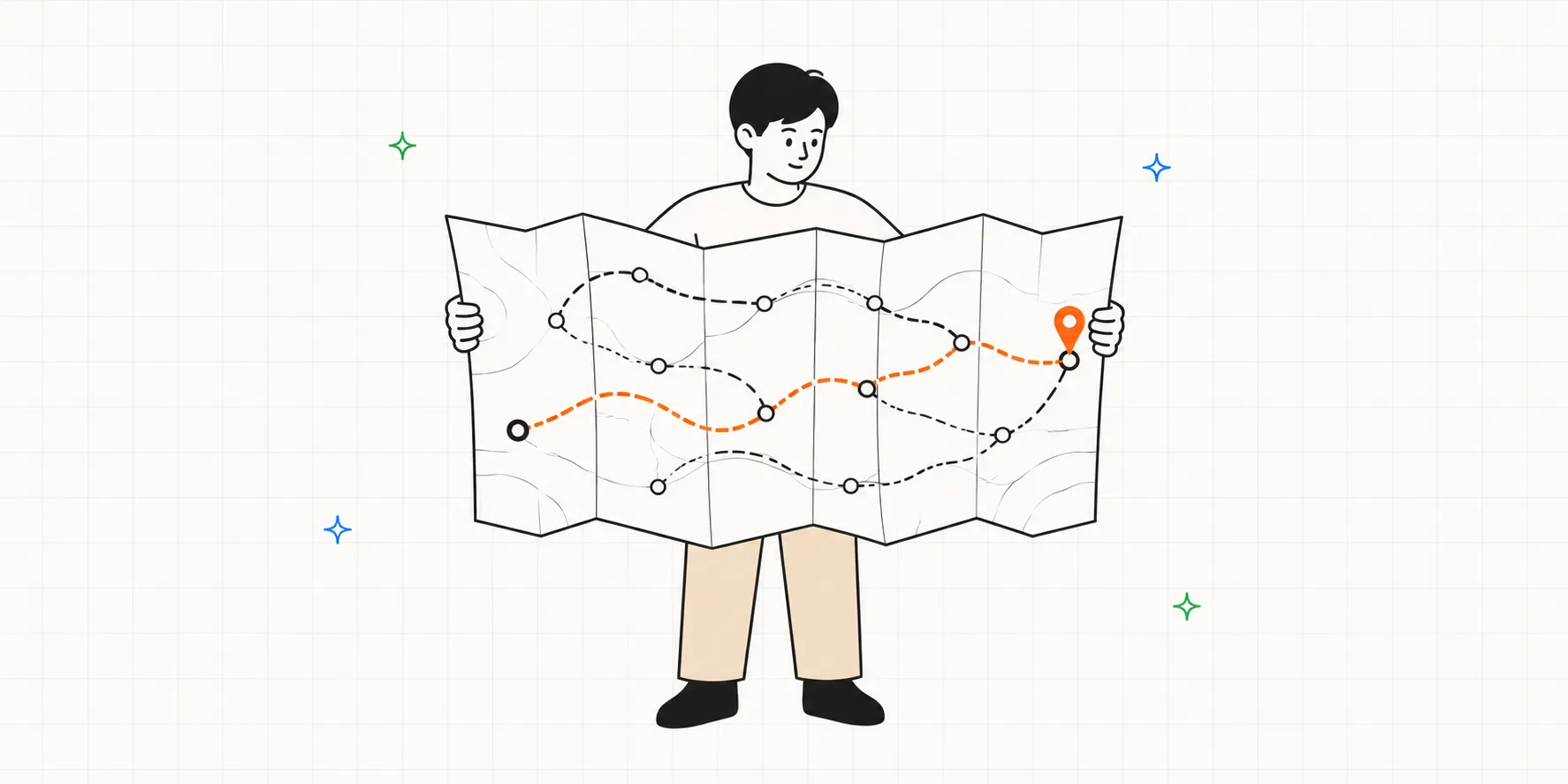
Open one of those "best usability testing tools" listicles and #1 is often the tool made by whoever published the list. Scroll to the next result and a different list crowns a different winner. Neither ranking means much, because the tools being ranked don't do the same job.
The category splits into three different jobs, and the right tool depends on which one you're doing:
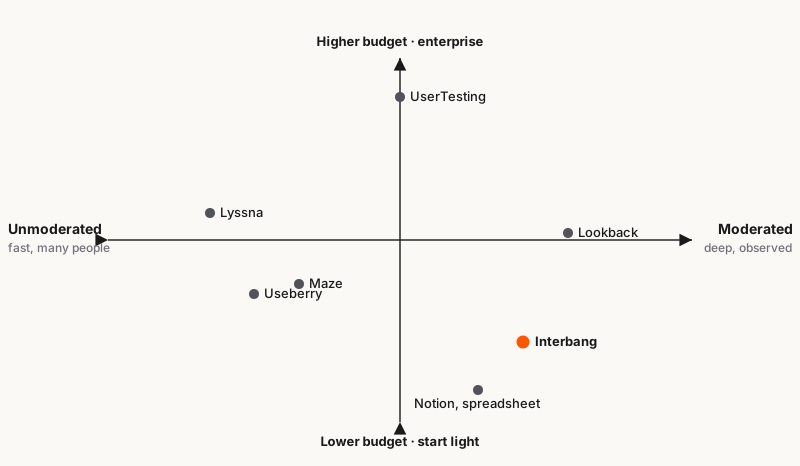
- Moderated testing: you run a live session, watch someone use your product, and ask "why" in the moment. Tools include: Lookback, UserTesting, or a do-it-yourself Zoom-plus-Notion stack.
- Unmoderated testing: you send a task, people do it on their own time, and you review the recordings after. Tools include: Maze, Lyssna, Useberry.
- Analysis and synthesis: not a dedicated testing tool, but it helps you make sense of the recordings you've gathered. Tools include: Dovetail, Condens.
So the useful question isn't "what's the best tool." It's "which job am I doing right now." Answer that, and the shortlist drops from a dozen-plus to about three.
Pick the method before the tool
Before any tool, decide the method. Nielsen Norman Group draws the line clearly: moderated testing has a facilitator present to probe and follow up, so it goes deep on the "why."
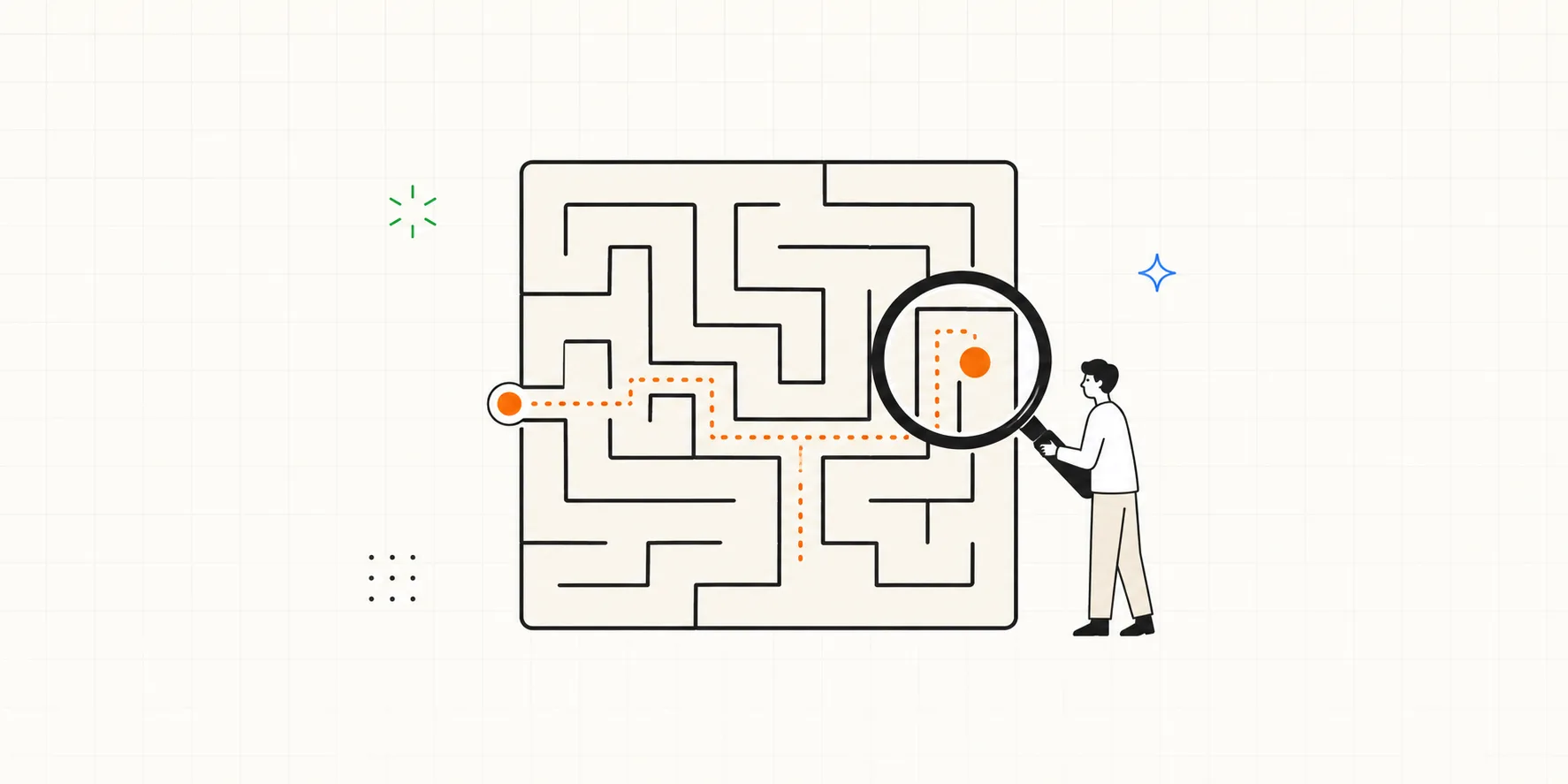
Unmoderated testing runs without you: people test in their own environment, on their own time, and tend to behave more naturally with no one watching. That natural, unrehearsed behavior is its real edge, and it scales cheaply and fast. The tradeoff is you can't ask a follow-up in the moment.
That single choice decides almost everything about the tool you need.
| Job | What it's for | When to reach for it | Tools |
|---|---|---|---|
| Moderated | Watch a session live, ask "why," probe in the moment | Early designs, complex flows, the deep "why" | Lookback, UserTesting, or Zoom + Notion |
| Unmoderated | Send a task, collect recordings async, at scale | Natural real-world use, quick reads, A/B comparisons | Maze, Lyssna, Useberry |
| Analysis | Make sense of recordings after the fact | Tagging, transcripts, sharing findings | Dovetail, Condens |
If you need to watch and ask "why"
This is the lane for depth: a real person, a live screen, and your follow-up questions. Two names anchor it.
Lookback has been a mainstay of remote moderated testing for years. It records the screen and the participant's face together, on web and native mobile, and the recording quality is its reputation.
It's billed annually, with plans split mainly by how many recorded sessions you need (a session is one recorded interview with a participant); the cheapest starts at $299/year. Each plan bundles only a handful of panel participants, so it's really a bring-your-own-participants tool.
UserTesting is the enterprise heavyweight, and it runs both moderated and unmoderated studies on one platform. Its draw is the panel: a marketplace of 6M+ pre-screened participants you can recruit in minutes, plus AI summaries and theme analysis.
The cost matches the scale. There's no public list price; it sells through annual contracts that reportedly start around $12,000 and climb into six figures, and moderated sessions burn far more credits than unmoderated ones. You buy reach and polish, and you pay for them.
You don't strictly need a dedicated tool, either. Plenty of teams run moderated sessions on Zoom or Google Meet and keep the notes in Notion or a spreadsheet. It's free or already paid for, everyone knows it, and there's nothing to set up.
The catch is everything after: what a dedicated tool automates, you do by hand. Notes don't link themselves to the moment in the recording, so you timestamp them yourself and gather scattered memos into something shareable on your own. For the occasional test that's fine, but the more you repeat it and the more material piles up, the heavier that cleanup gets.
If that upkeep is what keeps stalling you, a tool like Interbang is worth a look. Built for moderated UT, it walks you through the session against your script and timestamps each note to the session timer. So once you add the transcript, each note links to what the user said at that moment, and every finding maps to its evidence automatically.
It doesn't record audio or video itself, so like Notion or a spreadsheet it pairs best with a separate recording tool. It can't match UserTesting's or Lookback's panel and advanced features, but it's strong on the cleanup and cheap enough to start with no real commitment.
If you want natural use at scale
Here you trade the live follow-up for something else: people use the product in their own setting, behaving more naturally, and you gather results fast and at volume. Send a task, let people run it on their own time, read the results later.
Maze is built to fold testing into the design workflow and run it fast and often. You test a Figma prototype directly and AI summarizes the results, so a team can validate on its own without a dedicated researcher.
That speed and automation trade against depth: it's great for quick, repeated tests but weaker at catching subtle qualitative nuance, and how far to trust the AI's read is your call. It fits teams that move fast on design and don't keep research as a separate function. (Free covers one active study; paid Starter is around $99/month; panel recruitment is a separate credit cost.)
Lyssna (formerly UsabilityHub) is the closest thing to "research anyone can run." Five-second, preference, and first-click tests answer narrow, concrete questions ("which version reads better," "is this structure confusing") cheaply and fast.
Put another way, it's tuned for quick directional reads rather than digging into the "why," so you get a clear signal more than rich observation. It shines for early concept, copy, or IA calls, and for teams running tests without a researcher. (The free plan is generous; Growth is about $165/month billed annually; the panel is billed per response.)
Useberry is the narrowest and deepest of the three. Point it at one prototype and it shows exactly where and how people drop off and hesitate, flow by flow and click by click, so it answers "where in this flow do they get stuck" more sharply than the generalists.
The flip side is that prototype focus: it's more a complement for drilling into a specific flow than a full research suite. It's at its best when you want to tighten one flow before building. (Free covers 10 responses a month; Growth starts around €83/month billed yearly.)
Put them on one line: Lyssna for quick, narrow validation, Maze for a broad design-integrated all-rounder, and Useberry for going deep on a single flow.
If you need to make sense of the results
Run enough sessions and a quieter problem shows up. You have recordings, transcripts, and scattered notes, and no clean way to turn them into something the team can act on. That's a separate category: research analysis tools like Dovetail and Condens.
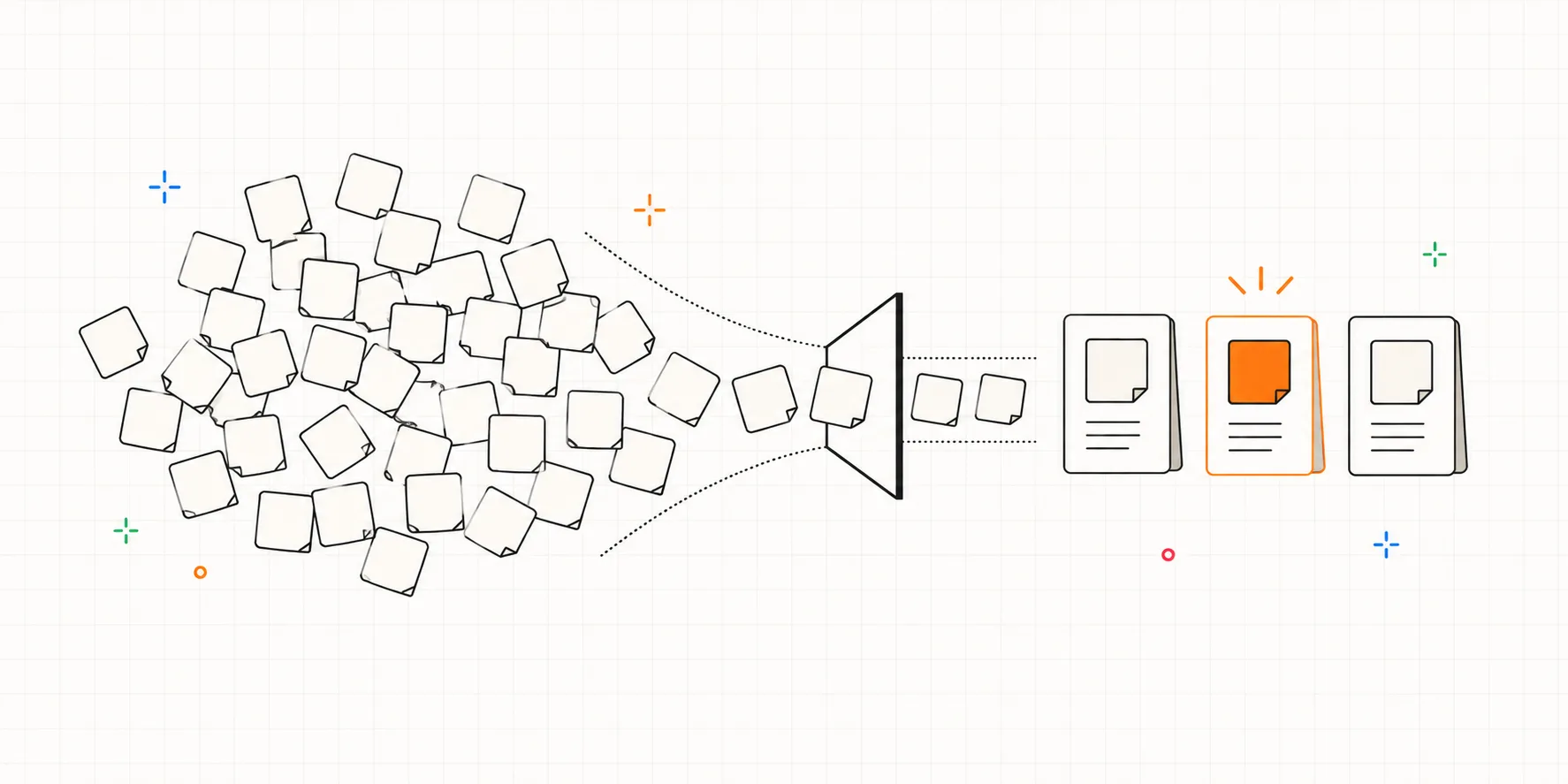
Neither one runs a test. They take the raw material a testing tool produces and help you tag clips, search transcripts, build an affinity map, and share findings. If your testing tool already hands you a structured report, you may not need one yet. If it dumps raw recordings on you, this is the gap you'll feel by your third round.
So which should you actually pick?
Match the tool to your situation and budget, not to a ranking:
- Starting from zero, just now and then? Run sessions on Zoom or Google Meet and keep notes in Notion or a spreadsheet. You organize it by hand, but for the occasional test that's plenty.
- A designer validating a prototype before build? Maze, tested straight from Figma, or Useberry for deep per-flow drop-off and click data. Start free and move to paid (around $99 / €83 a month) as responses grow.
- Need to settle a concept, some copy, or your IA cheaply, with no researcher? Lyssna's generous free tier; self-recruit and you'll stay free for a while.
- Running live moderated sessions with your own participants, and want the cleanup and report in one go? A tool like Interbang, which bundles running the session with organizing the notes and transcript. Cheap to start.
- Serious moderated work where recording quality matters, bringing your own participants? Lookback (from $299/year).
- Enterprise-scale validation on a big panel? UserTesting, and budget generously (annual contracts from ~$12k).
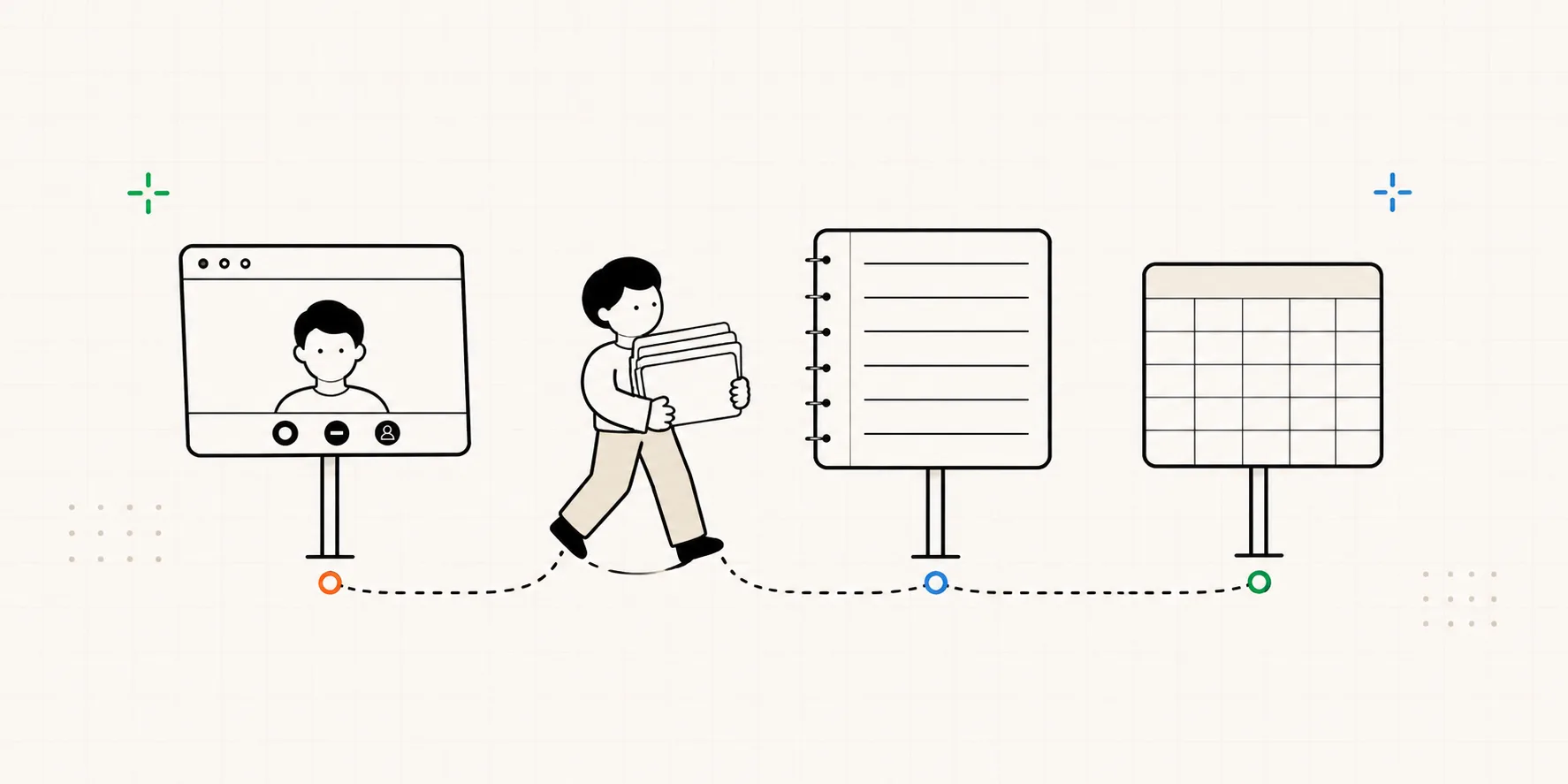
There's no overall winner; every tool has its trade-offs. One last note: this piece reflects the latest information available now, but pricing and features shift constantly, so confirm on each vendor's own page before you commit.
Frequently asked questions
What is the best usability testing tool? There isn't a single one. The category splits into three jobs: moderated testing for watching and asking why (Lookback, UserTesting), unmoderated for quick reads from many people (Maze, Lyssna, Useberry), and analysis for making sense of the results (Dovetail, Condens). The best tool depends on what you're trying to do right now.
Do I need both moderated and unmoderated tools? Not necessarily. Start with the one question you most need answered: to understand why people behave a certain way, start moderated; for quick reads from more people, start unmoderated. Running both is for when you've grown enough that both kinds of question come up often, not something to set up on day one.
Do I even need a dedicated usability testing tool? Not always. For occasional moderated sessions you can run them on Zoom or Google Meet and keep notes in Notion or a spreadsheet, all on tools you likely already have. You outgrow that setup when the manual write-up starts eating your time or you need to test repeatedly, and that's when a dedicated tool earns its place.
Are free usability testing tools enough? For early, informal testing, yes. A free tier plus participants you recruit yourself can carry you a long way, and the "5 users find ~85% of problems" math means you don't need a big paid panel to learn a lot.