Numbers tell you what's wrong. Usability testing tells you why.
Stop guessing why users drop off. A plain-English guide to usability testing: what it is, how it differs from user testing, and when to run one.
Published June 9, 2026
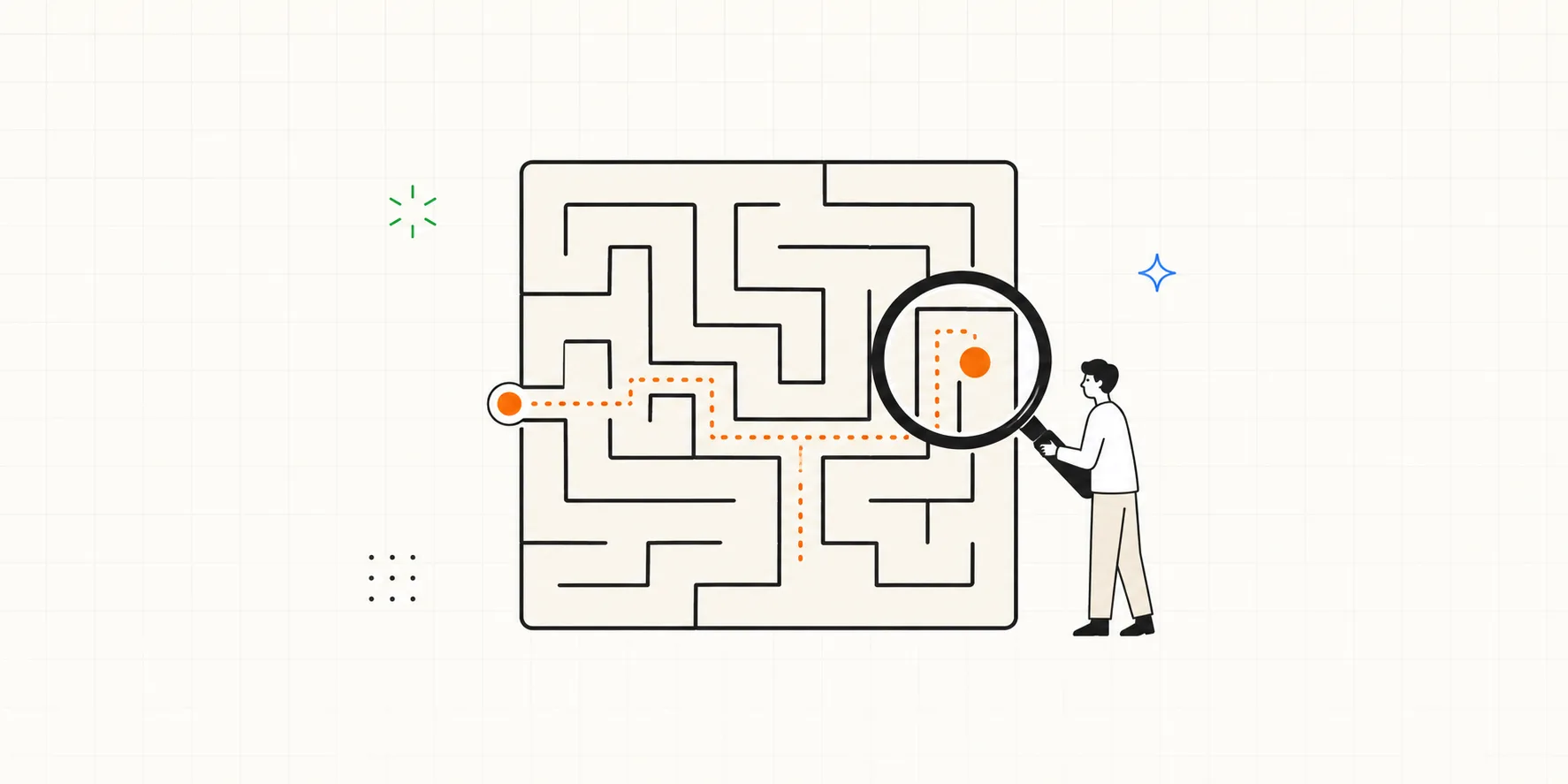
Your analytics show you exactly what's happening: say, 60% of people abandon step two of signup. What they never show you is why. That gap is the whole reason usability testing exists: watch real people use your product, and the "why" stops being a guess.
What is usability testing?
Usability testing is a research method where you watch representative users attempt real tasks with your product, so you can see where it helps them and where it gets in the way. The goal is to observe what actually happens when they try to use it. Asking whether they like the design won't tell you that.
The international standard ISO 9241-11 defines usability as how well a product lets specified users achieve specified goals with three qualities:
- Effectiveness: can they complete the task at all?
- Efficiency: how much effort does it take?
- Satisfaction: how does the experience feel?
A usability test puts those three under a microscope. As Jakob Nielsen, who helped popularize the method, put it:
To design the best UX, pay attention to what users do, not what they say.
The magic is in the gap between what people say and what they do. Someone will tell you a flow is "fine" while you watch them click the wrong button three times. The behavior is the data.
User testing vs usability testing: what's the difference?
Here's where the terms get muddy. "User testing" is a loose, umbrella phrase people use for almost any research involving users. "Usability testing" is a specific method within that umbrella, focused on ease of use.
In practice, the more useful distinction is the question each one answers:
| User testing (broad) | Usability testing (specific) | |
|---|---|---|
| Core question | "Do people want this?" | "Can people use this?" |
| Focus | Desirability, value, demand | Ease of use, friction, errors |
| Typical stage | Discovery, concept validation | Design and pre-launch, iteration |
| Example | Interviewing users about a problem | Watching someone complete a signup flow |
So "user testing" might include interviews, surveys, concept tests, and usability tests. When someone says "let's do user testing," it's worth asking: are we validating whether to build this, or checking whether people can use what we built? Those are different studies.
Why run a usability test?
Because the alternative is guessing. A good usability test gives you:
- Specific, fixable problems: not "the onboarding is confusing" but "4 of 5 people missed the 'Continue' button because it looked disabled."
- Evidence to settle debates: an opinion loses to the reality of watching a real user struggle.
- Cheaper fixes: before launch, a fix is a single design tweak; after launch, the same fix drags along users who learned the old way, accumulated data, and the rework itself.
- Empathy that sticks: watching one person get stuck on a feature you assumed was "obvious" is often what shifts how a team thinks.
When should you run one?
Usability testing fits at several points in the build:
- On early prototypes: test paper or clickable mockups before you write code.
- Before a launch: catch the showstoppers while they're still cheap to fix.
- On a live product: when your analytics flag a drop-off you can't explain and you need the cause.
- Continuously: the strongest teams test small and often. They learn far more than teams who run one big study a year.
Moderated vs unmoderated usability testing
There are two broad ways to run a session, and they're good at different things.
| Moderated | Unmoderated | |
|---|---|---|
| Facilitator | Present, live with the participant | None, the participant works on their own |
| Best for | Depth, complex flows, follow-up questions | Speed, scale, simple tasks |
| Effort per session | Higher | Lower |
| What you learn | The rich "why" behind behavior | The quick "what" at volume |
Moderated testing means a facilitator guides the participant through tasks in real time and can ask "what made you pause there?" the moment it happens. It's the right call when you need the reasoning behind the outcome. Unmoderated testing trades that depth for speed, which is useful when your tasks are simple and you want many data points fast.
How a usability test works, step by step
A moderated session usually follows the same shape:
- Set a goal. Decide what you need to learn: "can new users connect their first data source without help?"
- Write tasks. Turn the goal into realistic things to attempt, phrased as scenarios, not instructions.
- Recruit participants. Find people who resemble your real users. You need fewer than you'd think (more on that below).
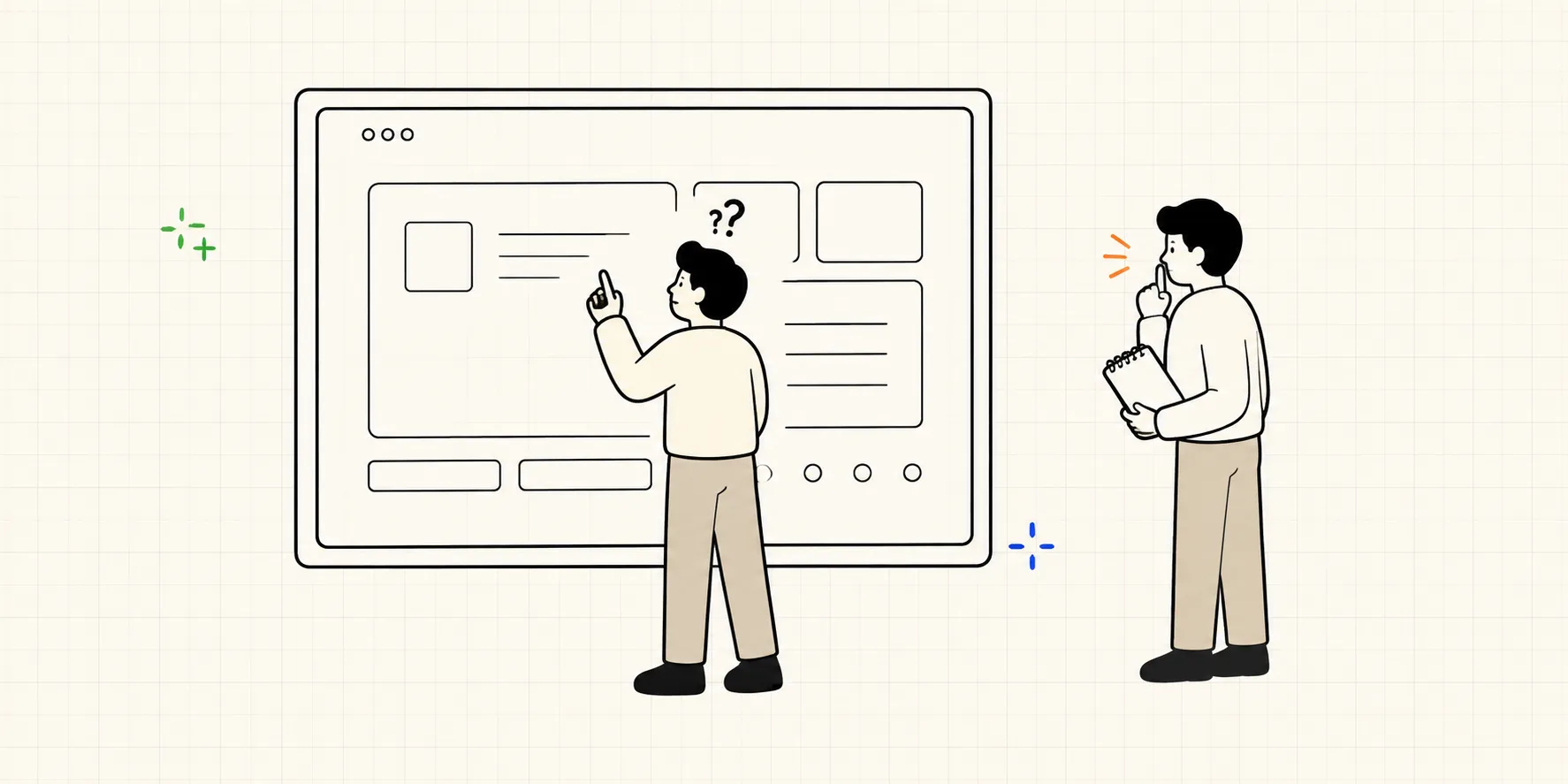
- Run the session. Give a task, then stay quiet and watch. Take time-stamped notes on what they do, where they hesitate, and what they say.
- Analyze and share. Cluster the observations into patterns, prioritize the problems, and turn them into a report your team will actually act on.
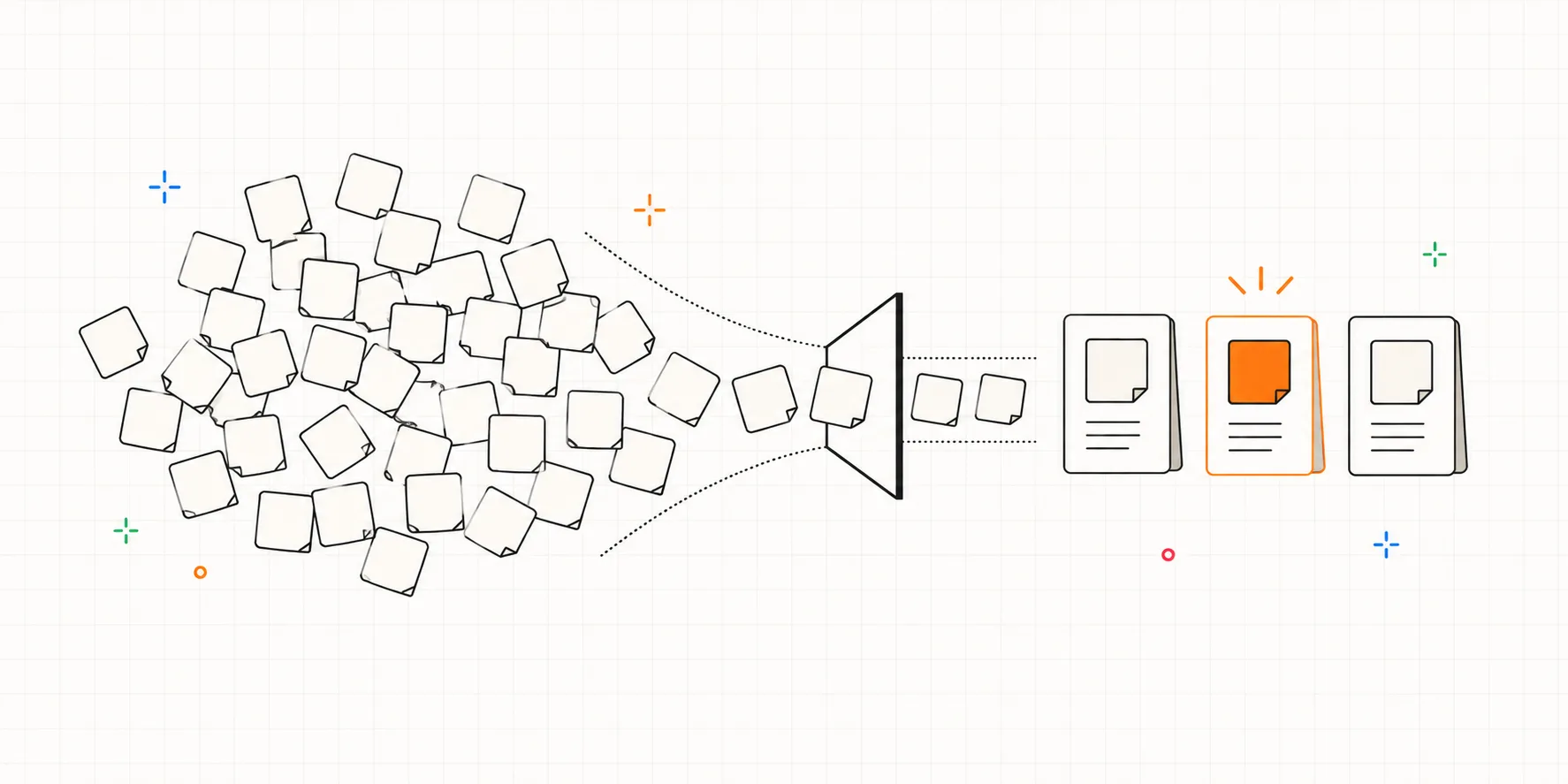
That last step is also where the insights you worked for most often get buried: notes scattered across a doc, a recording nobody re-watches, findings that never reach the people who can fix them. A tool like Interbang is built for exactly this: tagged notes stay linked to the moment in the transcript, and measures like task success tally themselves, so observation turns into action without the busywork.
How many participants do you need?
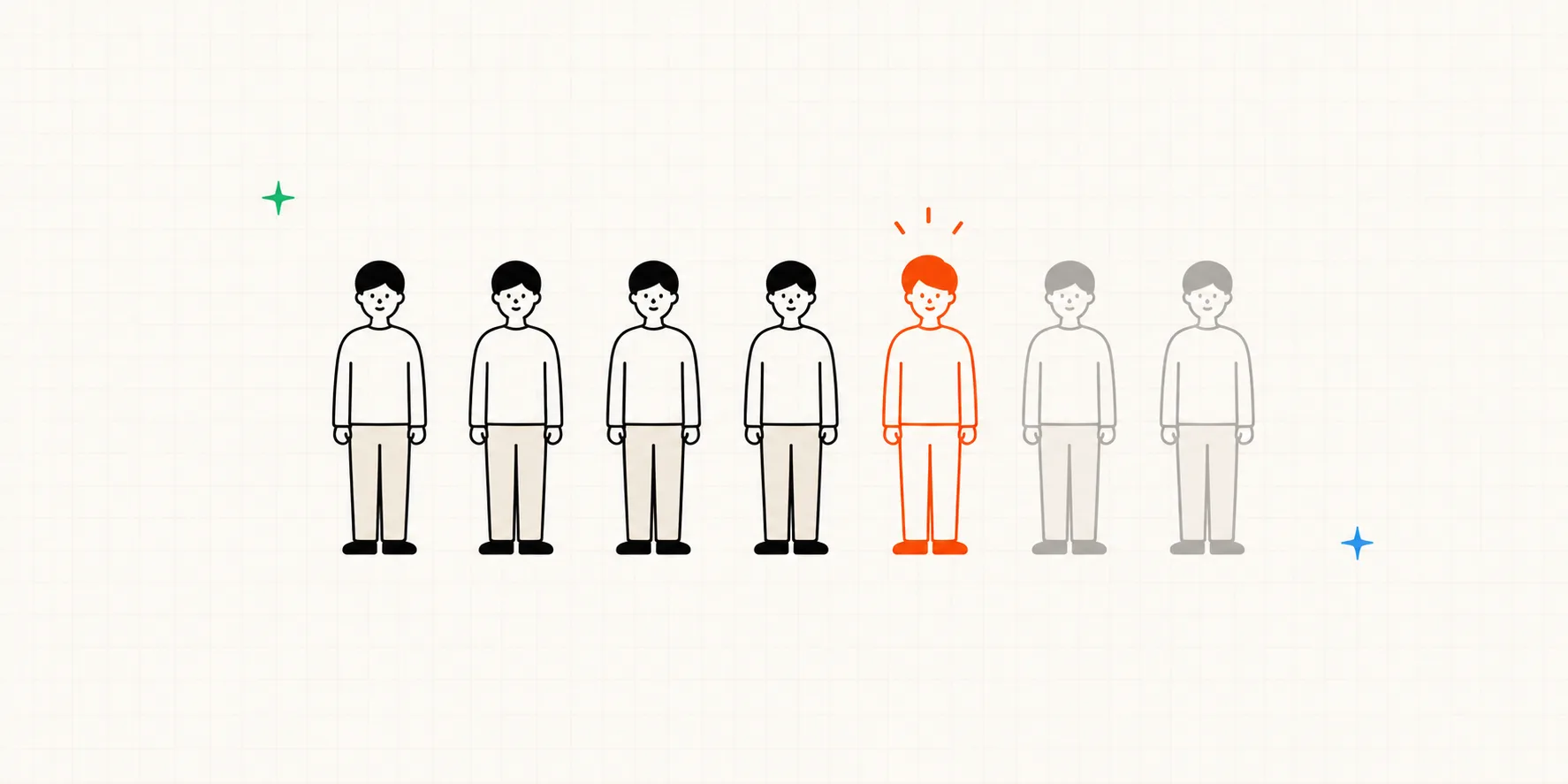
Fewer than most people expect. Nielsen and Landauer's well-known research found that testing with about 5 users typically surfaces roughly 85% of usability problems in a given flow. Beyond that, you hit diminishing returns. You're better off fixing what you found and testing again than recruiting a sixth person. (We go deeper on the math, and the cases where 5 isn't enough, in how many participants you actually need.)
Frequently asked questions
Is usability testing the same as A/B testing? No. A/B testing compares two live versions with real traffic to see which performs better on a metric. Usability testing watches a handful of people use one version to understand why something works or doesn't. They answer different questions and pair well together.
Do I need a recording? It helps, but it's not required. Careful, time-stamped notes are enough to find the big problems. A recording or transcript is a bonus that lets you revisit moments and share evidence.
How long does a session take? We recommend around 30 to 60 minutes per participant for a moderated session, long enough to attempt a few real tasks without fatigue setting in.
Who should run it? Anyone on the team can, with a little structure. You don't need a dedicated researcher to learn a lot. You need a clear goal, realistic tasks, and the discipline to stay quiet and watch.